Wednesday, October 28, 2026

Give Each Important Smart-Home Job One Clear Owner

An older woman writes on a paper calendar while an adult daughter sits beside her with an open notebook.
Make the Next Step Clear

A dependable smart home does not need a manager for every device.

But a few important jobs should belong to someone.

If a battery alert appears, who checks it? If a routine changes, who updates the household note? If a device stops working, who knows whether to call support or simply use the manual control?

Start with the important jobs

Do not make a responsibility chart for the entire house. Choose only the tasks that matter to daily life.


Monday, October 26, 2026

Retire One Smart-Home Feature Nobody Uses

An older woman and an adult family member review a familiar wall switch and table lamp together using a simple home checklist.
Keep What Helps

A reliable smart home is not measured by how many features are still turned on.

Sometimes the best improvement is to remove one thing nobody uses.

An old routine may still run in the background. An alert may arrive every day and be ignored. A device name may remain in the app even though the device moved months ago. None of these problems is dramatic, but each adds a little confusion.

Choose one low-risk feature

Do not start with smoke alarms, medical devices, security functions, accessibility supports, locks, emergency alerts, or anything that serves as an important fallback.

Choose something ordinary and clearly unused.

Friday, October 23, 2026

Let Another Person Try the Instructions Without Coaching

An older woman and an adult family member review a familiar wall switch and table lamp together using a simple home checklist.
Test the Instructions

A household note can look perfectly clear to the person who wrote it.

That does not mean another person can use it.

The writer already knows what “the lamp,” “the evening routine,” or “the usual switch” means. A trusted helper may not.

There is a simple way to find the gaps.

Let another person try one instruction without coaching.

Wednesday, October 21, 2026

Use Three Questions After Every Smart-Home Change

An older woman writes on a paper calendar while an adult daughter sits beside her with an open notebook.
Check the Change

Smart-home changes are easier to manage when you do not stop at “It worked.”

A setting can do exactly what you wanted and still create a new problem somewhere else. A renamed device may make one voice command clearer but break an old routine. A schedule change may solve one inconvenience and surprise someone later in the day.

You do not need a technical test plan.

Ask three questions.

Monday, October 19, 2026

Test the Manual Control While Everything Is Working

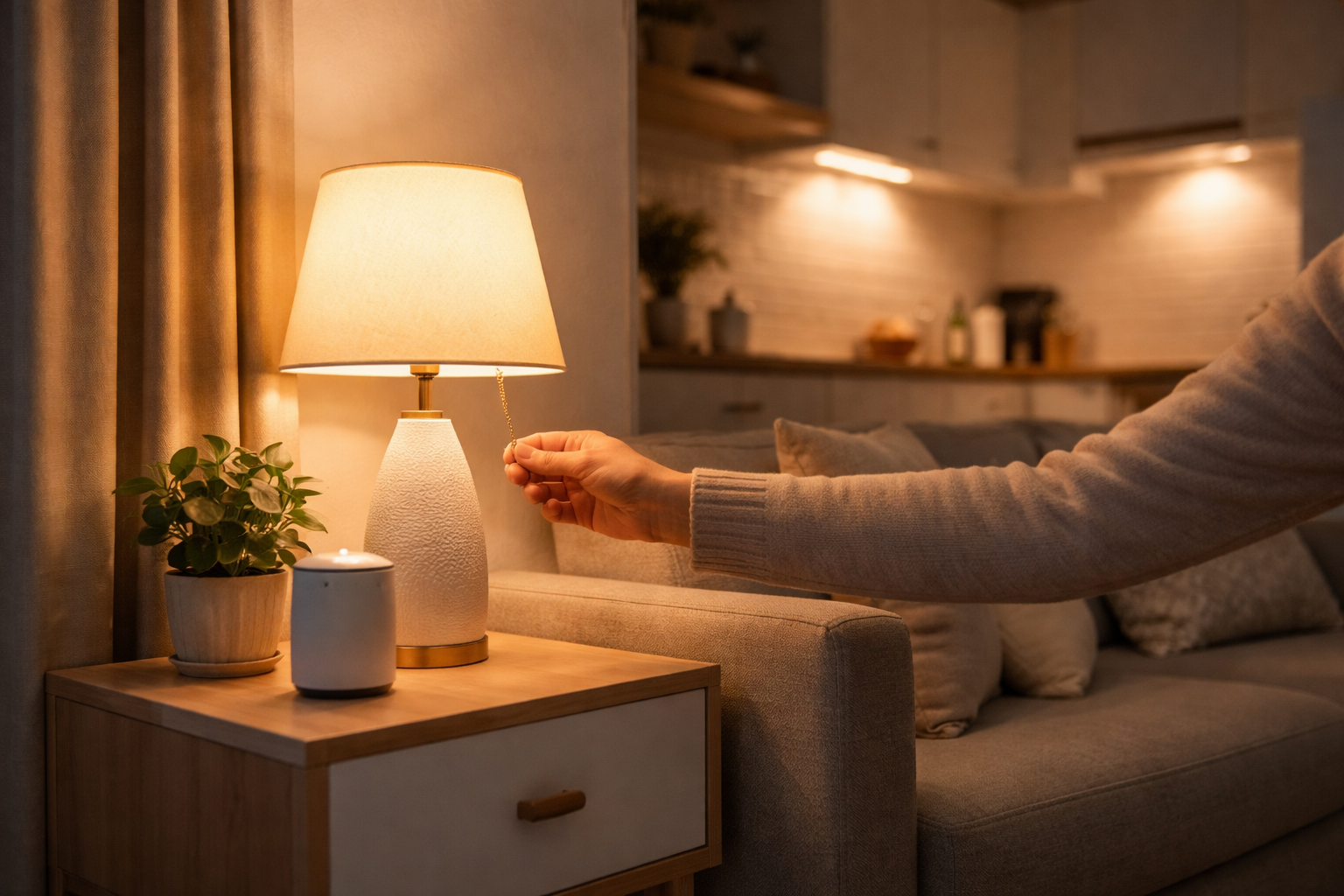
A person uses the pull-chain switch on a table lamp while a smart speaker sits nearby.
Test the Familiar Control

A smart-home backup is only useful if someone knows it actually works.

It is easy to say, “We can always use the switch,” or “We can just do it by hand.” But those statements are often assumptions. A control may have moved. A switch may behave differently after an automation was added. A person who did not set up the system may not know which control matters.

The best time to find that out is while everything is working.

Friday, October 16, 2026

Keep a Tiny Record of What Changed in Your Smart Home

An older woman writes on a paper calendar while an adult daughter sits beside her with an open notebook.
Note What Changed

A smart home does not need a technical logbook.

But when something meaningful changes, one short note can save a lot of guessing later.

The goal is not to record every tap in an app. It is to leave just enough information to answer a simple question: What changed since this last worked the way we expected?

Keep the record deliberately small

Use three parts:

  • Date
  • What changed
  • Why it changed

Wednesday, October 14, 2026

Give Smart-Home Devices Names Another Person Can Understand

An older woman and an adult family member review a familiar wall switch and table lamp together using a simple home checklist.
Use Plain Names

A smart-home device can be working perfectly and still be hard for another person to understand if its name makes sense only to the person who set it up.

Names such as “Plug 3,” “New Lamp,” or a manufacturer code may be enough during setup. Months later, they can create unnecessary guessing.

A calmer approach is to give each useful device a name another person in the home could understand without an explanation.

Name the job people recognize

Start with the room and the purpose.

Monday, October 12, 2026

Change One Smart-Home Setting at a Time

A person uses the pull-chain switch on a table lamp while a smart speaker sits nearby.
Change One Thing

Smart-home changes are easier to live with when you can tell exactly what changed.

That sounds simple, but it is easy to adjust a setting, rename a routine, move a device, and then change something else before you know whether the first change helped.

A calmer approach is to change one thing at a time.

Start with the known working state

Before you change something important, take a few seconds to notice how it works now.

Friday, October 9, 2026

Keep Your Smart-Home Basics in One Known Place

An older woman and an adult family member review a familiar wall switch and table lamp together using a simple home checklist.
Keep It Findable

A useful smart home becomes easier to manage when the important information is not scattered across apps, drawers, old notes, and one person’s memory.

You do not need a large binder.

You need one known place for the few details that help daily life continue when a device, routine, or helper is unavailable.

Choose a place people already understand

Wednesday, October 7, 2026

Give One Smart Routine a Plain-English Backup Note

An older woman writes on a paper calendar while an adult daughter sits beside her with an open notebook.
Write the Backup

A smart routine may work so quietly that nobody thinks about it until the day it does not run.

That is why one plain-English backup note can be useful.

You do not need to document the whole smart home. Pick one routine that matters and write down the ordinary way through.

Start with one sentence

Write what the routine does.

Monday, October 5, 2026

Which Smart-Home Device Would You Notice First If It Stopped Working?

A person uses the pull-chain switch on a table lamp while a smart speaker sits nearby.
Keep a Way Through

A home may have many smart devices, but only a few truly matter every day.

One lamp may make the evening path easier to see. One thermostat may keep the home comfortable. One reminder may help a daily routine stay on track.

Ask yourself a simple question: Which device would I notice first if it stopped working?

The answer shows where reliability matters most.

Friday, October 2, 2026

Start October With a One-Page Smart-Home Map

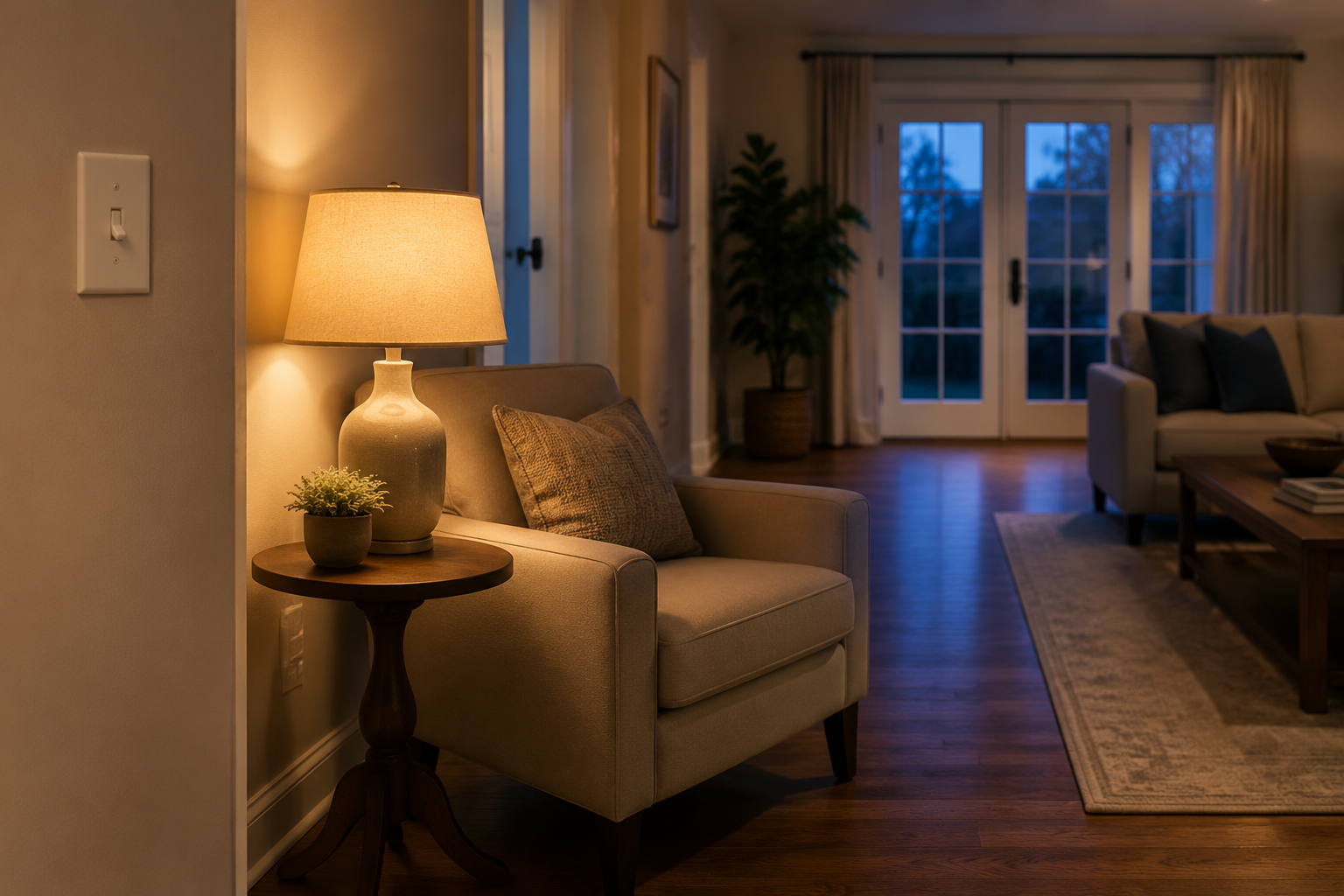
A calm living room at dusk with a lamp on and a familiar wall switch visible near the doorway.
Map What Matters

A smart home can grow one device at a time. After a while, it can be hard to remember what connects to what.

You do not need a wiring diagram to fix that. You may only need one sheet of paper.

A one-page smart-home map helps you see what matters most. It can also make the system easier to care for later.

Start with the jobs, not the gadgets

Walk through the home and write down the few smart-home jobs you use often.